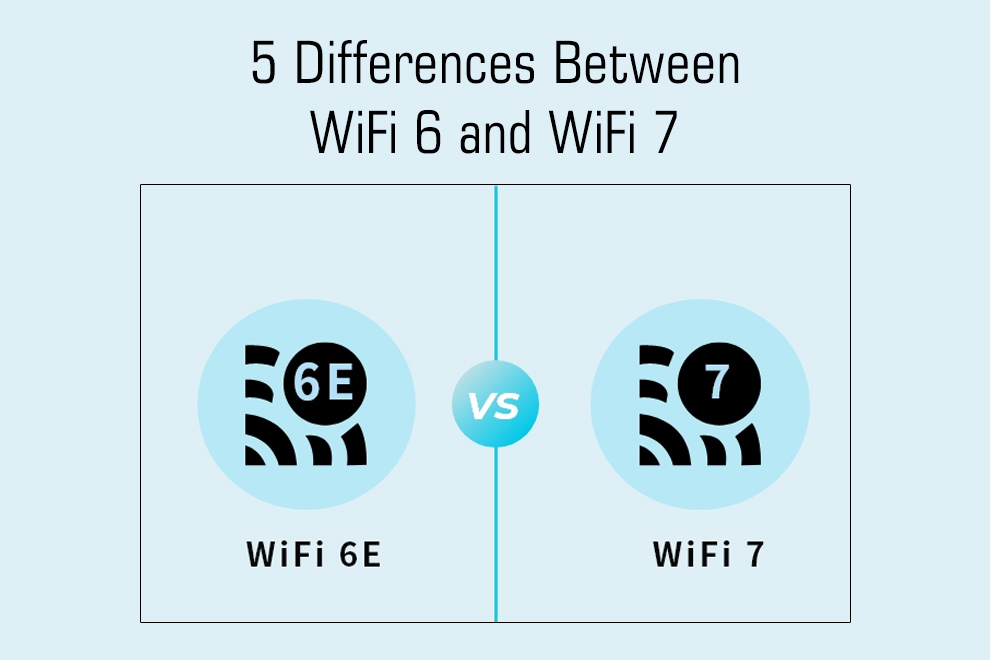
Wi-Fi 7 is the next upgrade after Wi-Fi 6. It brings faster speeds, lower delay, and lets your device use more than one band at once.
Wi-Fi 6 already improved performance in crowded places. Wi-Fi 7 takes those ideas and make them stronger like for gaming, AR, and VR.
In this article, we look at the key differences between Wi-Fi 6 and Wi-Fi 7 and what they actually mean for you at home.
Channel Size and Combining Channels
Wi-Fi 6 supports channels up to 160 MHz. Wi-Fi 7 doubles that and reaches 320 MHz. It can also combine separate pieces of spectrum into one big channel.
This boosts total data capacity.
Bigger channels allow a device to send a lot more data in one shot. But they require a cleaner and less crowded spectrum. If the band is noisy, the bigger channel don’t help much.
Modulation and Peak Speed
Wi-Fi 6 uses 1024-QAM. Wi-Fi 7 upgrades to 4096-QAM.
Higher QAM fits more bits into every signal. This increases the top speed by a large margin.
However 4096-QAM only works well when the signal is strong and clean. If you stand far away or have interference, it falls back to lower QAM and speed drop.
If you want to know the speed, you can click here to measure the speed of your Wi-Fi.
Using More Than One Link at the Same Time
Wi-Fi 7 can connect to multiple bands at once. This feature is called Multi-Link Operation (MLO). If one band becomes noisy, the device keeps sending data through the other one.
This cuts delays and makes live activities much smoother. Games respond faster. Video calls glitch less. Even loading pages feels more steady.
If you use a local provider, you can test that too. Try the Jio Speed Test to see how your provider performs.
Handling Many Users and Lower Delay
Both Wi-Fi 6 and 7 use OFDMA and MU-MIMO to manage many devices at the same time. Wi-Fi 7 improves timing and scheduling, which drops jitter and latency.
Even when many people connect at once, the network reacts quicker. Real-time apps feel smoother and don’t pause often.
Real Limits
Real world speeds fall because of walls, distance, and interference. You also need Wi-Fi 7 devices if you want the benefits.
Old phones or laptops won’t use the new features. A Wi-Fi 7 router must also connect to a multi-gig internet plan or a fast wired switch.
So upgrading only the router may not help if the rest of your setup is slow.
Also Read: Simple Solutions for Faster Internet in a Multi-Device Home