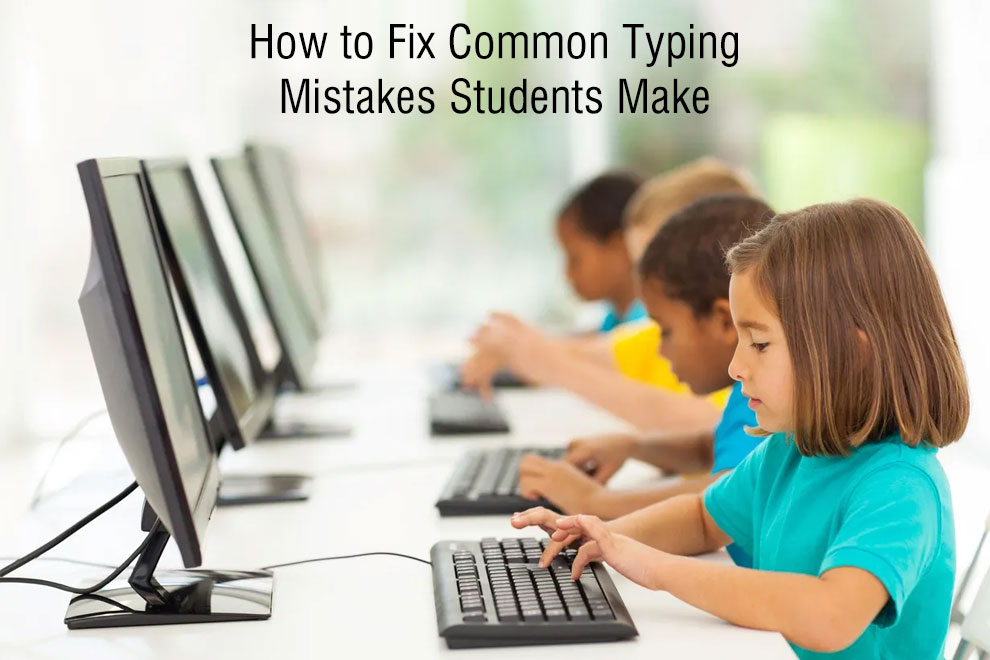
Typing has become a basic requirement for students, but unfortunately, many students struggle with typing because of common typing mistakes that slow them down, reduce accuracy, and make typing a frustrating experience. The good news is that you can fix these errors by teaching students the right typing habits and techniques. Let us discuss in detail how we can fix common typing mistakes that students make.
Incorrect Finger Placement
One of the biggest typing errors that students make, which makes them type slowly or inaccurately, is incorrect finger placement. Many students develop the “hunt-and-peck” style, which involves using only index fingers to press keys. This type of approach limits speed and jeopardises accuracy in long typing sessions.
To fix it, you should teach students the home-row technique, which involves placing the left fingers on ASDF and the right fingers on JKL;. This is the foundation of all touch typing. Along with this, you should ask them to train their muscle memory by taking daily typing tests (Here’s a free typing speed test.) Once they master finger placement, speed will increase naturally on its own.
Looking at the Keyboard Too Often
Many students keep glancing down at the keyboard while typing, which breaks their typing rhythm, increases mistakes, and wastes time. The reason this happens is that students don’t know about touch typing and haven’t built muscle memory. To fix this, force them to look only at the screen while typing by covering the keyboard with a light cloth or using blank stickers on keys.
Plus, you should add touch typing drills to their practice sessions and use apps that highlight errors to encourage screen-focused typing. When students start looking at the screen only while typing, their muscle memory will develop, and their confidence will improve.
Typing Too Fast at the Expense of Accuracy
Students often associate speed with productivity, due to which they rush through typing. However, typing too fast leads to more mistakes, frequent backspacing, and wasted time. To fix this, you should encourage them to slow down on purpose and aim for controlled typing at a fast pace. Use online tools that track accuracy so that they can get to know how accurate their typing is. Once their accuracy reaches 90-95%, speed will improve naturally without effort.
Poor Sitting Posture While Typing
Another very common mistake among students is that they maintain a poor posture while typing. Typing mistakes often come from poor posture and physical discomfort rather than a lack of skill. Leaning too far, slouching, or resting wrists incorrectly can lead to fatigue and reduced control over finger movement. To fix this mistake, encourage students to maintain a good posture by sitting upright with back support, feet flat on the ground, elbows at 90 degrees, and wrists raised on the keyboard or desk.
Maintaining a good posture will not only boost typing accuracy but also prevent long-term strain or pain.
Ignoring Keyboard Shortcuts
Keyboard shortcuts should be taught to students at an early age because they can help save time and work more efficiently. Unfortunately, students aren’t taught many keyboard shortcuts, and even if they are taught, many of them avoid using them. You should start by teaching them the basic keyboard shortcuts, and then move on to complex shortcuts like navigation shortcuts or opening a new tab. Have a shortcuts list nearby to help students memorise shortcuts quickly and use them on the go.
Also Read: Skills You Can Learn Online