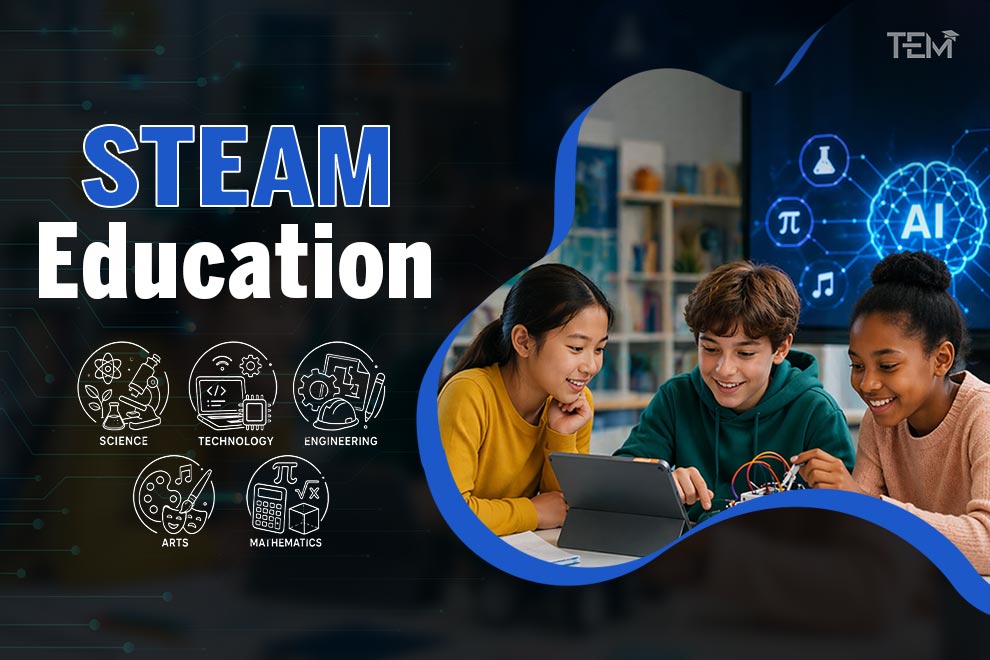
By 2026, the global education market will have undergone a massive shift, with the adaptive learning sector now valued at over $5.2 billion. STEAM education is at the center of this change and is defined by the deep integration of Artificial Intelligence as a core collaborative tool. This approach moves beyond basic technical instruction to create immersive learning experiences that prepare students for a rapidly evolving, AI-driven workforce. Currently, 75% of STEM classrooms utilize some form of adaptive tutoring, and over 60% of edtech firms have upgraded their AI features in the last 12 months to meet this demand.
This article explores the tools, trends, and real-world examples that are shaping how students learn today.
What is STEAM Education?
STEAM education is an interdisciplinary approach to learning that integrates Science, Technology, Engineering, Arts, and Mathematics. By adding “Arts” to the traditional STEM model, this method encourages holistic problem-solving and process-based learning rather than simple technical memorization. It helps students build critical thinking skills and innovation by connecting visual, performing, and design arts with technical subjects.
Core Components of STEAM Education
To understand how STEAM functions in a modern classroom, we must look at its five pillars:
- Science: This involves investigating the natural world through subjects like biology, physics, and chemistry.
- Technology: Students utilize digital tools, coding, and electronics to create new innovations.
- Engineering: This component focuses on designing hands-on solutions to real-world problems.
- Arts: Creative design, music, and drama are integrated to enhance critical thinking and communication.
- Mathematics: Students apply quantitative analysis and mathematical theories to solve complex puzzles.
Top Tools & Platforms for STEAM Education
By 2026, there will be tons of awesome apps and websites that make learning STEAM Education subjects feel less like a chore and more like a game.
These tools make difficult topics easier to understand and way more fun to play with.
1. AI & Coding (Building Apps and Logic)
- Brilliant: Brilliant uses interactive puzzles instead of boring lectures to help you master math and logic. It’s designed to make you think like a scientist by solving visual challenges.
- Scratch: Created by MIT, the Scratch tool lets you snap code blocks together like LEGOs to make your own games and animations. It is the perfect way to learn how software works without worrying about typing mistakes.
- Code.org: A massive library of tutorials that use popular characters (like those from Minecraft or Star Wars) to teach the basics of computer science. It’s great for beginners who want to see results fast.
2. Robotics (Bringing Machines to Life)
- Ozobot & Marty the Robot: These are friendly, physical robots you can control using colors or simple code. They help you see your digital instructions turn into real-world movements right on your desk
- Hummingbird Kits: These kits provide the “brains” (sensors and motors) that you can attach to cardboard, plastic, or crafts. They turn ordinary art projects into moving, sensing robots.
3. Design & Simulation (Building Digital Worlds)
- Figma: This is a professional-grade tool used by real designers to create the look and feel of apps. It allows multiple students to work on the same design at the same time, just like a Google Doc.
- Miro: Think of this as an infinite digital whiteboard where you can brainstorm ideas with sticky notes and drawings. It’s the ultimate space for groups to plan big projects together from different computers.
- Labster: This gives you access to a multi-million dollar science lab right on your laptop. You can perform complex chemistry or biology experiments that might be too difficult or dangerous to do in a real classroom.
4. Creative Content (Storytelling & Art)
- Elementari: This site combines writing with coding, allowing you to create “living” books. You can make the illustrations in your story react when a reader clicks on them.
- Napkin AI: If you have a big idea but aren’t sure how to draw it, this tool helps you. It takes your written notes and automatically turns them into clear, professional-looking visuals and diagrams.
- Kits & Resources (Hands-on Projects)
- STEMfinity: This is a “one-stop shop” that gathers the best STEM kits from around the world. It provides everything teachers and students need to start building drones, solar panels, or circuits.
- 4DFrame: This is a flexible modeling system that uses tubes and connectors to build complex structures. It’s designed to help you understand engineering and geometry by building 3D shapes that can bend and move.
Top Trends of STEAM Education
As we head through 2026, the growth of STEAM is backed by a nearly 20% annual increase in the adaptive learning market.
These are the main trends that are popping up in classrooms everywhere:
1. AI Co-Pilots and Personalized Learning
AI is no longer just a separate subject; it is an embedded tool in STEAM education curricula. These “co-pilots” provide personalized learning paths and real-time feedback. Instead of just giving answers, they teach students how to collaborate and master “prompt engineering”.
2. Early “Industry 4.0” Exposure
Skills that were once reserved for college are now moving into middle school curricula for grades 4 through 8. Students are learning about “digital twins,” environmental sensors, and the Internet of Things (IoT) to prepare for future careers in smart infrastructure.
3. Robotics as “Skill Engines.”
Robotics has shifted from being novelty toys to sophisticated teaching assistants. They are used to model complex real-world systems, such as warehouse logistics or natural ecosystems, helping students build resilience.
4. Immersive Learning
Virtual labs (VR) and augmented reality (AR) are now standard in STEAM classrooms. Immersive Learning allows students to conduct expensive or complex experiments safely, such as traveling through human anatomy or simulating a space launch.
5. Universal Design for Learning (UDL)
Accessibility is a non-negotiable part of 2026 tools. Modern platforms focus on multilingual support and tactile alternatives to ensure every student can participate in STEAM activities regardless of their physical or linguistic background.
Real Classroom Examples of STEAM Education
In 2026, classrooms focus on sustainability (taking care of our planet) and hands-on engineering (building real things). It’s not just about reading; it’s about making.
Here is how STEAM Education looks in practice:
- AI-Collaborated Product Design: Students use AI assistants as design partners to brainstorm, debug, and create new apps or websites.
- “Digital Twin” Modeling: Middle schoolers build virtual models of local ecosystems to test how changes, like new construction, might impact the environment.
- Eco-Friendly Urban Architecture: Students act as urban planners, using geometry and 3D modeling to design sustainable “green” buildings.
- Marine Debris & Robotics: Students design robots or drones to clean up ocean debris, connecting biology and engineering to protect marine life.
- School Garden & IoT Lab: Younger students focus on art/science observation, while older students install IoT weather sensors to track data trends in community gardens
- Bio-Tech Personalization: Schools use “Science of Body” curricula for ages 10-17, connecting chemistry and biology to understand health and hormones
Conclusion
The deep integration of AI and hands-on projects has transformed STEAM education into a powerful engine for student success. By focusing on real-world challenges like sustainability and smart technology, schools are ensuring that learners are not just consuming information but are actively creating solutions. Embracing STEAM education tools today is the best way to prepare for the workforce of tomorrow.
FAQ
- What is the main difference between STEM and STEAM?
The main difference between STEM Education and STEAM Education is the inclusion of the” arts.” While STEM focuses on technical subjects, STEAM integrates creative design and language arts to encourage more holistic problem-solving.
- How is AI used in STEAM classrooms in 2026?
In 2026, AI is used in STEAM classrooms as a collaborative partner or “co-pilot.” It provides personalized tutoring, helps with “prompt engineering,” and assists students in debugging code or brainstorming designs.
- Are virtual labs as effective as physical labs?
Virtual labs (AR/VR) are effective as physical labs by allowing students to perform experiments that would otherwise be too expensive, dangerous, or complex to do in a traditional classroom.