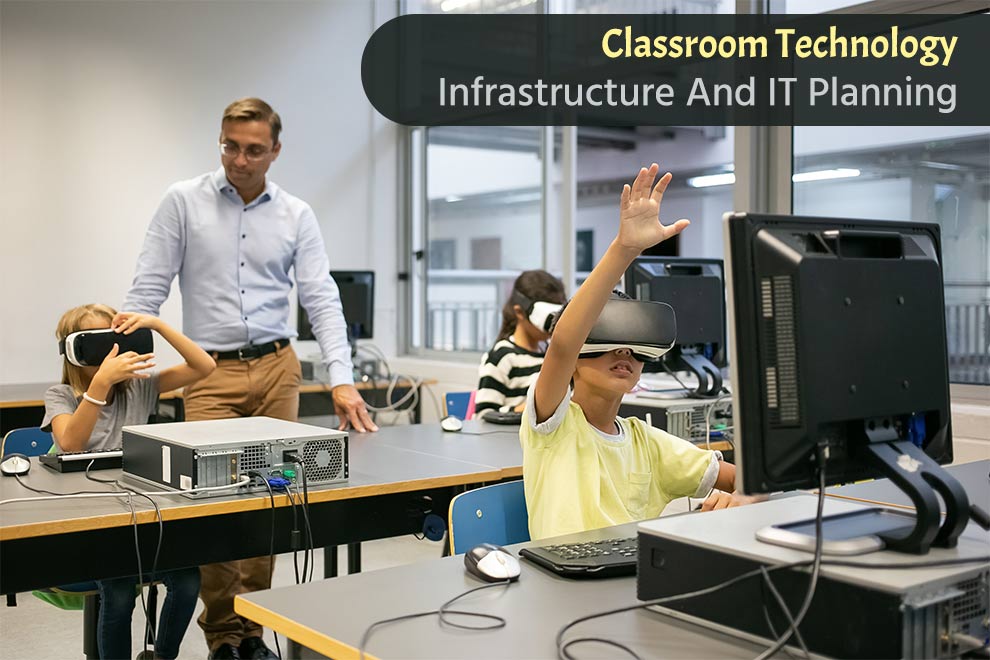
Modern classrooms run on more than desks, whiteboards, and projectors. They depend on a stable digital foundation that supports learning every minute of the school day. A weak network or outdated device can disrupt a lesson as quickly as a power outage. That is why schools now treat technology infrastructure as a core operational system rather than an optional add-on.
A strong IT roadmap for schools helps administrators connect devices, protect student data, manage budgets, and support teachers without constant technical interruptions. Like a well-designed road system, the right infrastructure keeps traffic moving smoothly even during peak hours.
Why Classroom Technology Infrastructure Matters
Technology shapes nearly every part of modern education. Students stream lessons, submit assignments online, collaborate through cloud platforms, and access digital textbooks. Teachers rely on learning management systems, video conferencing tools, and classroom software to organize instruction.
When infrastructure fails, learning slows down. A weak Wi-Fi signal can stop online testing. Old computers can delay lessons by several minutes each class period. Small delays add up across an entire school year.
Reliable infrastructure creates three direct benefits:
- Consistent learning experiences
- Better teacher productivity
- Improved student engagement
Schools that invest in stable systems spend less time fixing emergencies and more time supporting instruction.
Building A Reliable Network Foundation
Every classroom technology plan starts with the network. The network acts like the school’s nervous system. If signals cannot travel quickly and reliably, every connected tool suffers.
Wireless Coverage
Schools need complete wireless coverage across classrooms, libraries, gyms, cafeterias, and outdoor learning areas. Dead zones frustrate teachers and students alike.
Modern schools should use enterprise-grade wireless access points instead of consumer routers. Enterprise systems handle large numbers of simultaneous connections without slowing down.
Internet Bandwidth
Bandwidth planning requires realistic estimates. A school with hundreds of students streaming video lessons at the same time needs far more capacity than a small office.
IT planners should evaluate:
- Student device counts
- Streaming requirements
- Cloud application usage
- Peak testing periods
- Future enrollment growth
A network that barely meets current demand will struggle within a few years.
Network Segmentation
Schools often connect thousands of devices, including laptops, tablets, printers, cameras, and smart boards. Segmentation separates these systems into controlled groups.
For example, guest Wi-Fi should remain isolated from administrative systems. Security cameras should not share the same unrestricted access as student laptops.
This structure improves both performance and security.
Choosing The Right Classroom Devices
Device selection affects both learning quality and long-term costs. Schools must balance durability, performance, repairability, and software compatibility.
Student Devices
Most schools choose between laptops, Chromebooks, or tablets. Each option serves different learning goals.
- Chromebooks work well for browser-based education and cloud platforms.
- Laptops support advanced software for engineering, design, and media classes.
- Tablets help younger students with touch-based learning.
Schools should avoid buying devices based only on initial price. Cheap hardware often fails faster and increases support costs.
Teacher Technology
Teachers need stronger hardware than students. They frequently run multiple applications at once while projecting lessons and managing virtual tools.
A slow teacher workstation affects an entire classroom. Reliable teacher devices improve lesson flow and reduce downtime.
Creating A Long-Term IT Planning Strategy
Many schools fall into reactive spending. They replace equipment only after failure. This approach creates budget spikes and operational chaos.
A structured IT plan spreads costs across predictable upgrade cycles.
Lifecycle Management
Schools should track:
- Purchase dates
- Warranty expiration
- Repair history
- Software compatibility
- Battery health
Most classroom devices remain effective for four to six years. Network hardware may last longer if maintained properly.
Lifecycle planning prevents large-scale failures from happening at the same time.
Budget Forecasting
Technology expenses extend beyond hardware purchases. Schools must also account for:
- Software licenses
- Cybersecurity tools
- Cloud storage
- Technical support
- Training
- Replacement parts
Accurate forecasting reduces emergency spending and improves financial stability.
Cybersecurity In Education Environments
Schools store sensitive information, including student records, financial data, and staff credentials. Cyberattacks against educational institutions continue to rise because schools often operate with limited IT staff.
Strong security starts with simple practices.
Multi-Factor Authentication
Passwords alone no longer provide enough protection. Multi-factor authentication adds another security layer by requiring a second verification step.
Even if attackers steal passwords, they cannot easily access accounts.
Device Management
Centralized management platforms help IT teams monitor school devices remotely. Administrators can:
- Push updates
- Install software
- Remove unauthorized applications
- Lock lost devices
- Enforce security settings
Without centralized management, maintaining hundreds of devices becomes nearly impossible.
Staff Training
Human error remains one of the largest security risks. Teachers and staff should learn how to identify phishing emails, suspicious links, and unsafe downloads.
Short, focused training sessions work better than dense technical lectures.
Supporting Teachers And Students
Technology only succeeds when users feel confident using it. Even strong infrastructure fails if teachers struggle with classroom tools.
Schools should provide ongoing support instead of one-time training sessions.
Practical Professional Development
Training should focus on daily classroom tasks rather than abstract technical theory. Teachers benefit most from lessons that solve immediate problems, such as:
- Managing digital assignments
- Running hybrid classes
- Using collaboration tools
- Troubleshooting common issues
Clear support reduces frustration and increases adoption.
Help Desk Accessibility
Fast technical support matters during live instruction. A projector failure or login issue can disrupt an entire lesson.
Schools should create simple support systems with clear response procedures and accessible communication channels.
Conclusion
Classroom technology infrastructure now plays the same role as electricity, heating, and physical classroom space. Schools depend on stable digital systems to teach effectively, manage operations, and support student success.
Strong IT planning combines reliable networks, durable devices, cybersecurity protection, lifecycle management, and user support into one coordinated strategy. Schools that plan carefully avoid costly disruptions and build learning environments that remain stable as technology continues to evolve.
Also Read: Immersive Learning in Education: How AI and VR Are Transforming Classrooms in 2026